Try it on your own data
Every report in this article is in the free plan. One snippet for web and apps, up to 10 sites.
Start freeThe quickest organic search gains rarely come from new pages. They come from pages that already rank but are not clicked enough, sit just below the top results, or have been slowly losing traffic. This guide puts five levers in order and estimates the clicks for each fix in a worked example.
What you will learn
- Start with pages that already have impressions: low CTR at good positions is often the cheapest win
- Estimate each fix with your own CTR by position, then do the largest, cheapest, most certain first
- Measure non-branded clicks and annotate each change so you can see what worked
Begin with pages that already rank
Most advice on improving organic search starts with "publish more content" and "build links". Both work, slowly. The quicker wins are usually in pages Google already shows: they have impressions but not enough clicks, they sit just below the first page, or they used to perform better.
Your Search Console data already contains this list. The steps below turn it into a plan.
Five levers, in order
- Low CTR at good positions. Pages in positions 1–10 that get clicked less than your site's typical page at that position. Fix: title and description that match the query, a clear date or number, structured data where it fits.
- Striking distance (positions 8–20). Pages Google considers relevant but not quite good enough. Fix: answer the query more directly near the top, add the missing subtopics, add internal links from related pages.
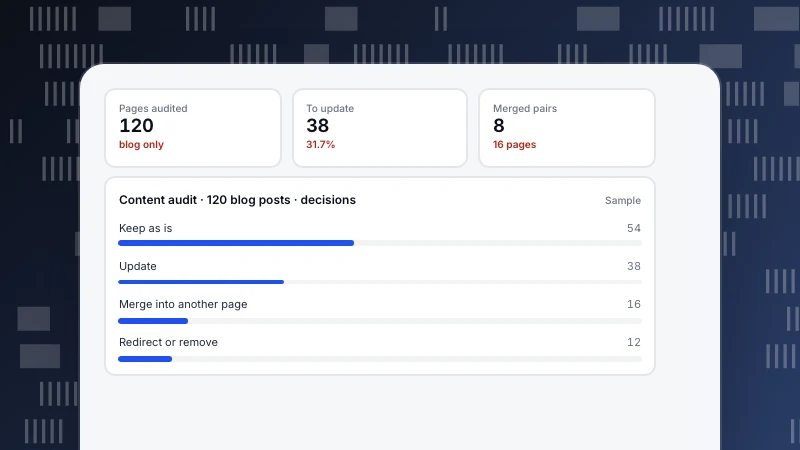
- Decaying pages. Pages whose clicks have been falling for months. Fix: update facts and examples, merge overlapping pages, or retire them. See content audit.
- Technical blockers. Pages not crawled, not indexed, slow or erroring. Fix crawl errors and indexing problems first; see crawl errors.
- New content for gaps where you have no page at all.
The table below shows the signal and action for each lever.
| Lever | Signal in the data | Action | Typical time to effect |
|---|---|---|---|
| Low CTR at good positions | Top 10, CTR below site median | Rewrite title and description | 2–4 weeks |
| Striking distance | Position 8–20, high impressions | Answer earlier, fill gaps, add internal links | 4–8 weeks |
| Decaying pages | Clicks falling for months | Update, merge or retire | 4–8 weeks |
| Technical blockers | Crawl errors, not indexed, slow | Fix errors, sitemap, speed | Days to weeks |
| New content | Queries with no matching page | Publish a focused page | Months |
Times are rough; check each change four to six weeks later.
A worked example: estimating clicks per fix
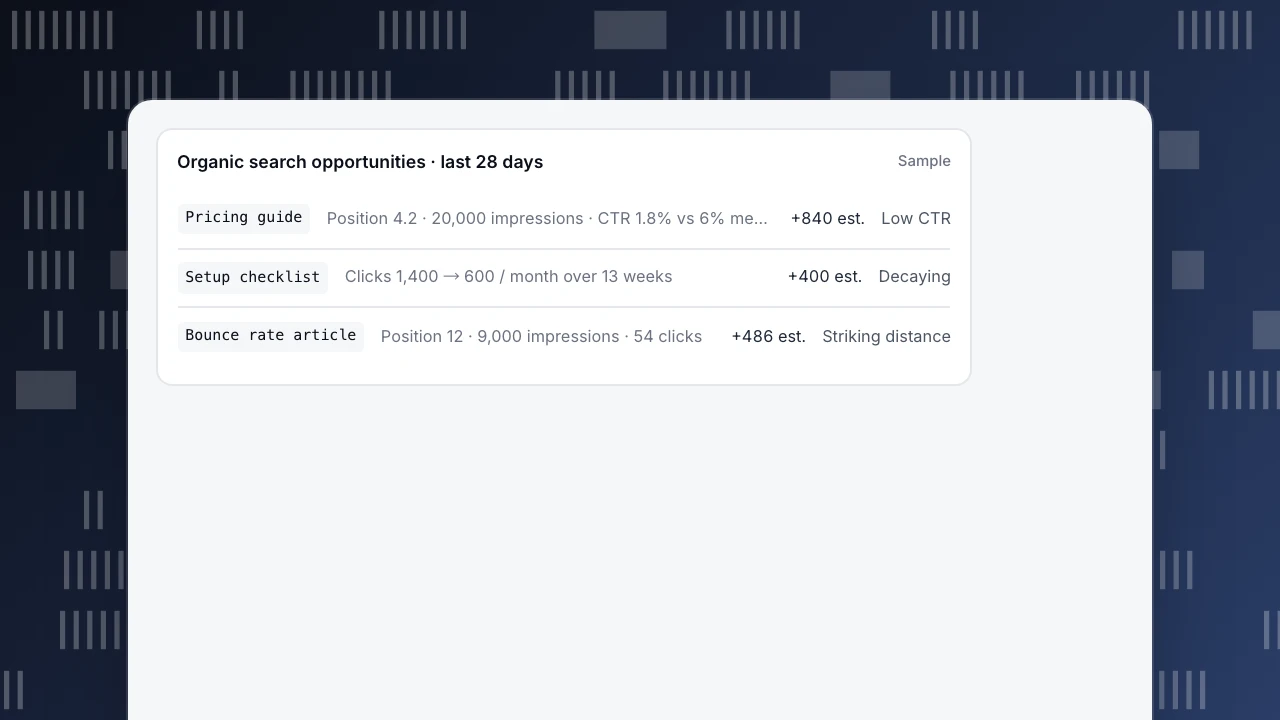
A site's last 28 days in Search Console (sample numbers). On this site, pages at positions 3–5 get a median CTR of 6%.
- Pricing guide: position 4.2, 20,000 impressions, CTR 1.8% (360 clicks). At the site's 6% median it would get about 1,200 clicks, an estimated +840 clicks from a better title and description. Cost: an hour.
- Bounce rate article: position 12, 9,000 impressions, 54 clicks. If it reached positions 3–5 at 6%, about 540 clicks (+486). Cost: a rewrite of the opening and three internal links; uncertain.
- Setup checklist: clicks fell from 1,400 to 600 per month over 13 weeks. Recovering half the loss would add about 400 clicks. Cost: an update with current steps.
Order: pricing guide first (largest, cheapest, most certain), then the checklist, then the article. These are estimates, not promises; check the result 4–6 weeks after each change.
Organic search opportunities · last 28 days
SamplePricing guidePosition 4.2 · 20,000 impressions · CTR 1.8% vs 6% median+840 est.Low CTRSetup checklistClicks 1,400 → 600 / month over 13 weeks+400 est.DecayingBounce rate articlePosition 12 · 9,000 impressions · 54 clicks+486 est.Striking distance
Measure it properly
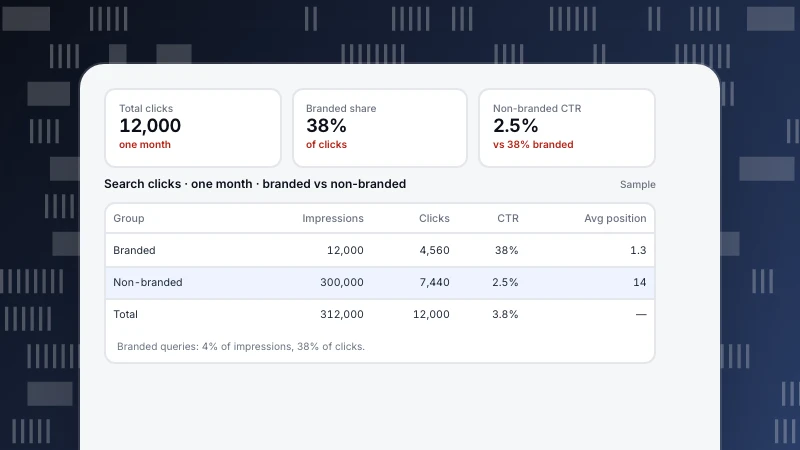
- Track non-branded clicks, so brand campaigns do not hide or inflate SEO progress; see branded vs non-branded keywords.
- Annotate the date of each change, and compare the four weeks before and after.
- Look beyond clicks: sign-ups or other goals from organic visits show whether the traffic is worth having.
Common mistakes
- Rewriting pages that already perform well.
- Two pages chasing the same query, so neither ranks; see keyword cannibalization.
- Changing title, content and URL at once, so you cannot tell what worked.
- Judging after a week. Rankings often move for two to four weeks after a change.
Doing it in TapCub
- Low CTR: Monitoring › Search performance shows clicks, impressions, CTR and position by page and query from Google Search Console and Bing, and flags top-10 pages with CTR below the median.
- Striking distance: in the same view, sort pages by position and look at 8–20 with high impressions.
- Decay: Monitoring › Content decay compares each page's peak four weeks with the latest four over 13 weeks and labels pages severe, decaying or growing.
- Technical: Monitoring › Crawl health shows fetches, success rate, 404 and 5xx by search engine.
- Outcome: organic visits and goals in Web analytics › Sources and Goals.
More on what organic traffic includes: organic traffic.
Was this article helpful?
We use your answers to fix and expand this page.
Couldn’t send. Please try again in a minute.
Thanks for the feedback. We’ll use it to improve this page.You’ve already sent feedback on this page. Thanks.

Customer Experience Consultant
Writes about live chat, visitor conversations, and self-service, sharing practical ways to make customer communication clearer and more effective.